Merge & prepare
Combine bracketed JPEGs into linear HDR. Align exposures, correct fisheye geometry and apply vignetting corrections.
 LumiSnap
LIGHT MEASUREMENT, IN FOCUS
Turn HDR photographs into luminance maps.
Capture on iPhone. Calibrate and explore on desktop.
Built for lighting research and teaching.
macOS · Windows · Linux · iPhone
01 / LUMISNAP DESKTOP
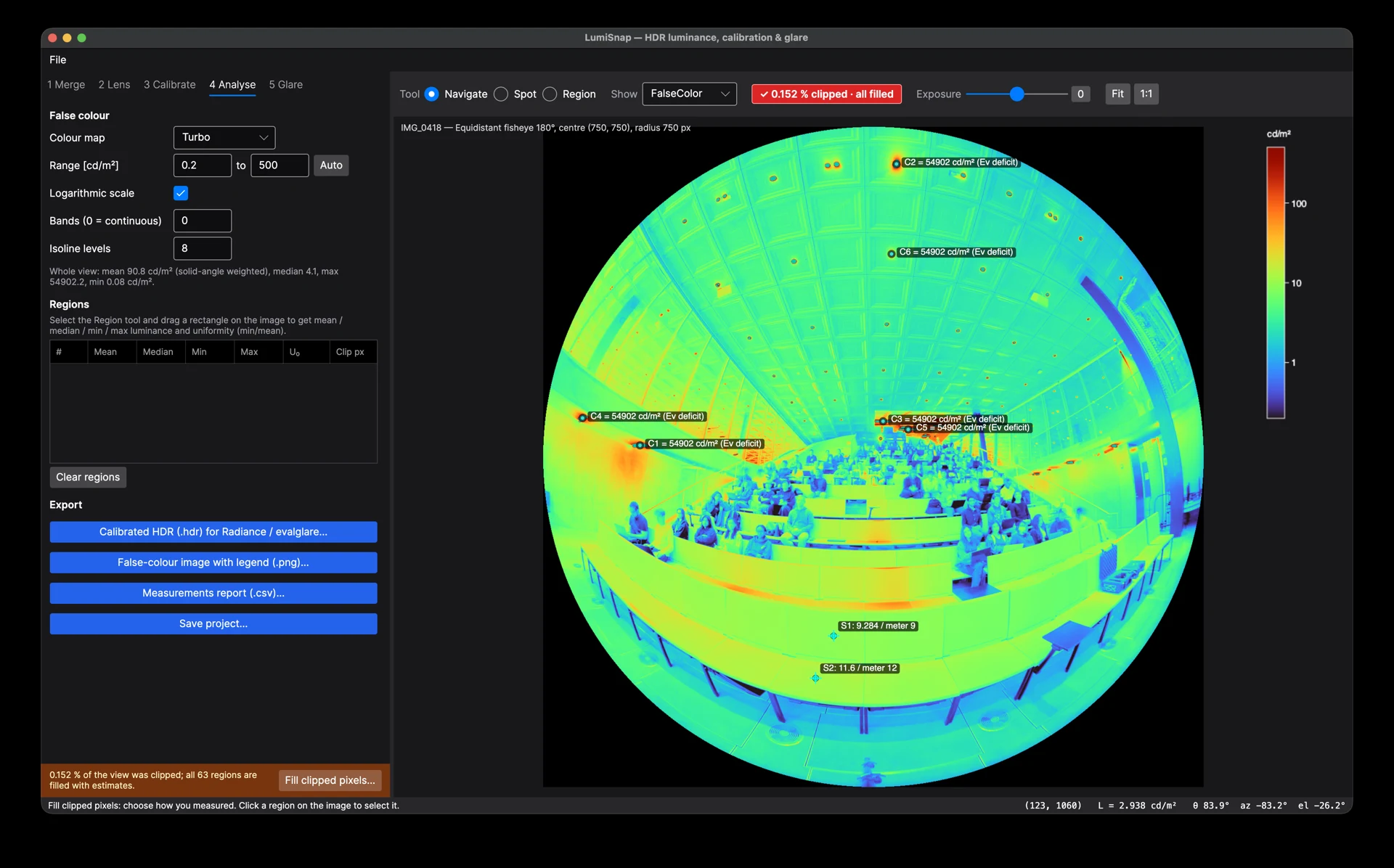
Bring your bracketed JPEGs, Radiance HDR images or iPhone sessions into one workspace for calibration and analysis.
Combine bracketed JPEGs into linear HDR. Align exposures, correct fisheye geometry and apply vignetting corrections.
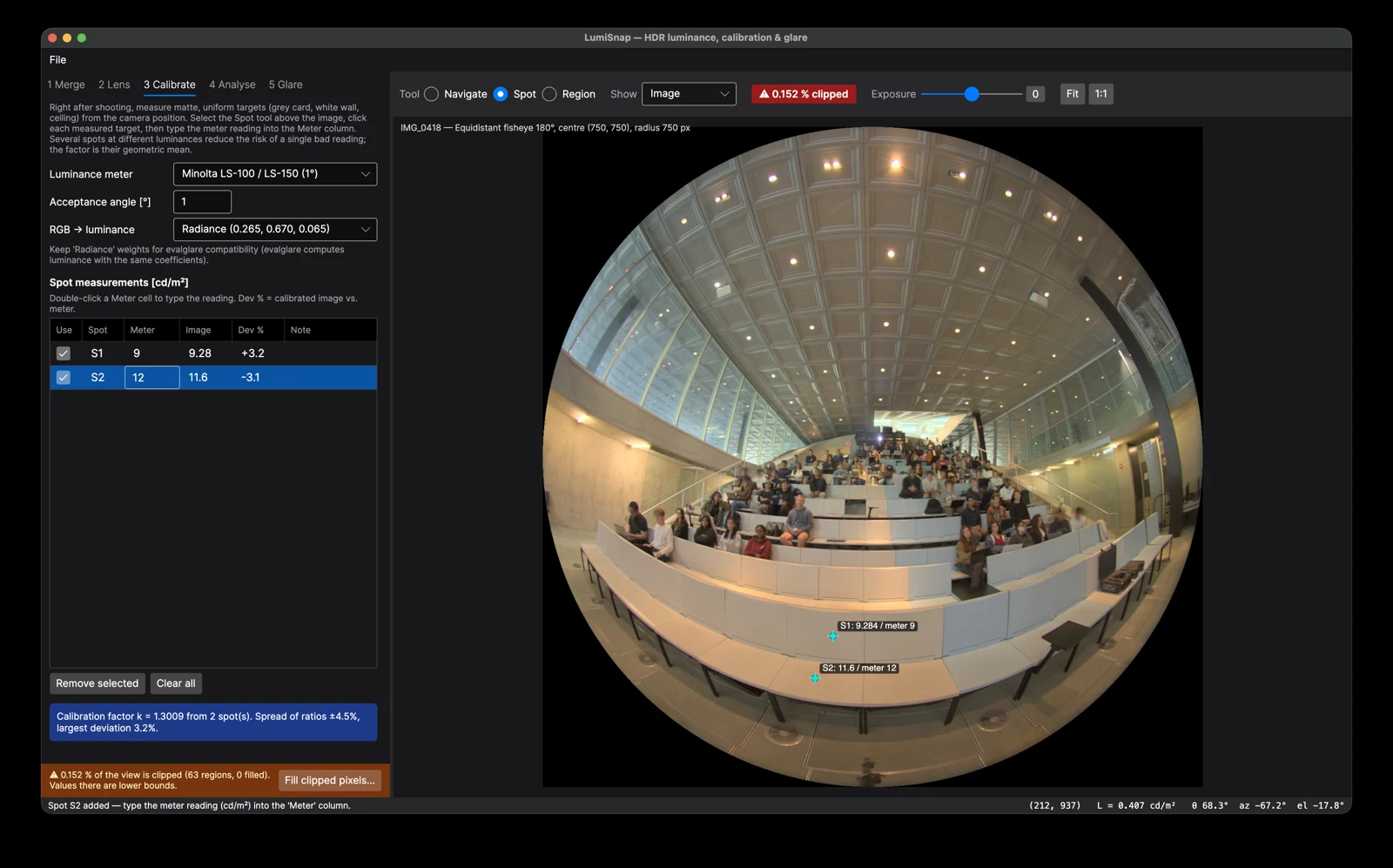
Connect image values to spot-meter readings. Explore luminance in cd/m² with false colour, iso-lines and region statistics.
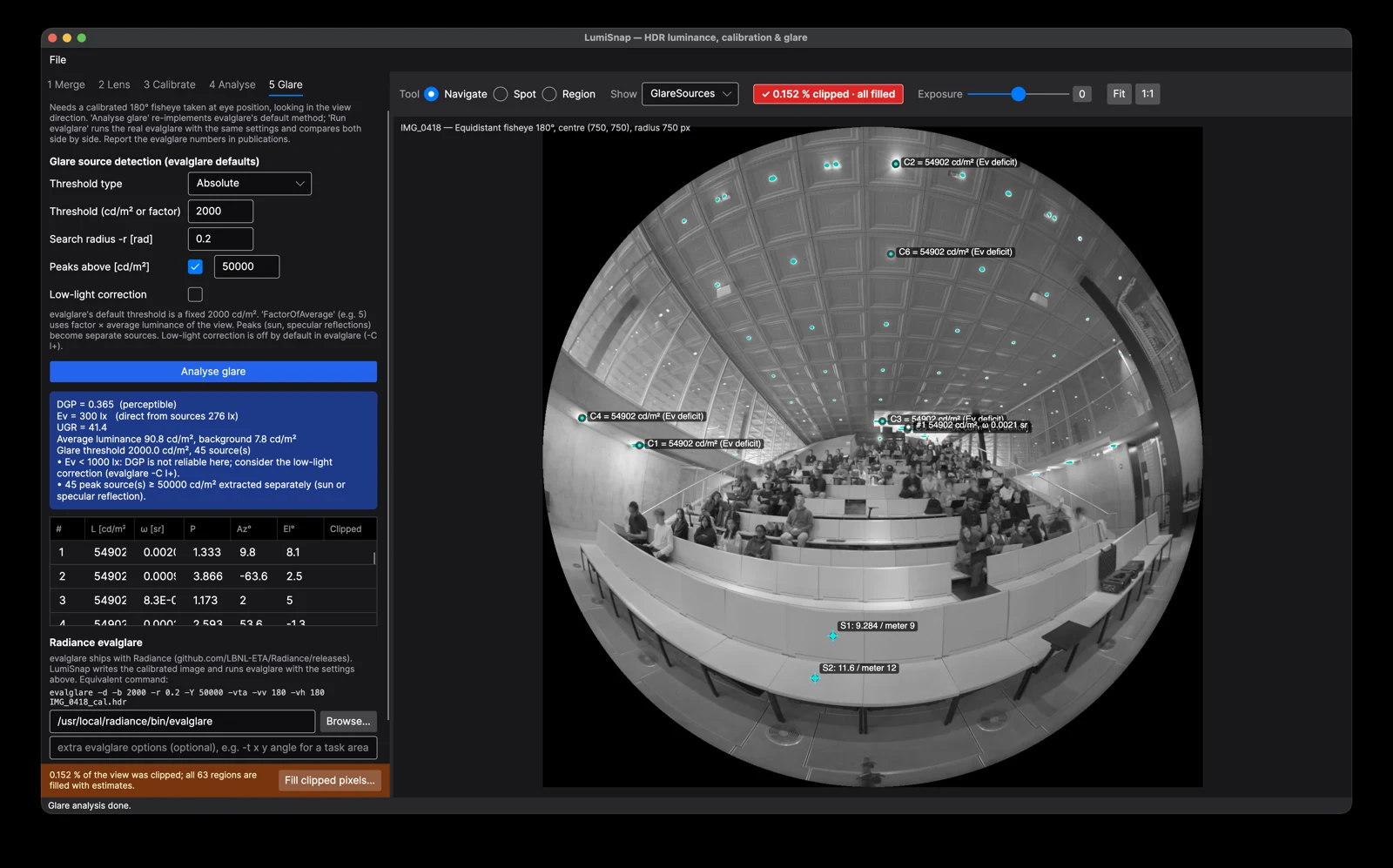
Explore illuminance and glare with Ev, DGP and UGR, compare with evalglare, and export HDR, PNG and CSV results.
02 / LUMISNAP FOR IPHONE
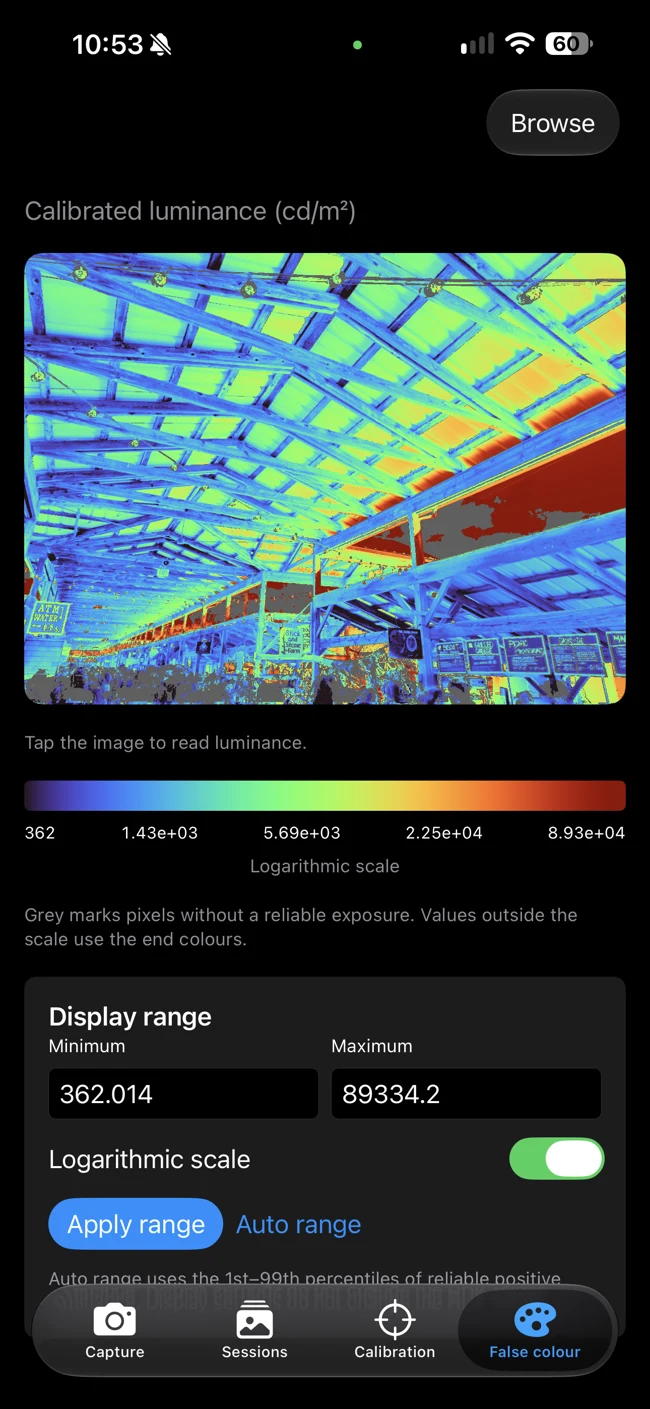
Capture exposure brackets, merge HDR and inspect luminance with a native iPhone app.
Capture capabilities depend on your iPhone, lens and iOS version. Physical measurement validation is required.
03 / FROM FIELD TO FINDINGS
Shoot an exposure sequence on iPhone or use bracketed JPEGs from your camera.
Use spot-meter readings to scale the HDR image to measured luminance.
Export a finished iPhone session to desktop with its saved HDR and measurement data, then inspect and share your results.
GET LUMISNAP
macOS · Windows · Linux
Download desktopDownload link coming soon.
Native capture & luminance tools
Get the iPhone appiPhone availability coming soon.